
AutoCAD integration of DWG files in Shareflex DMS
AutoCAD is a desktop application for editing DWG files (drawings). At the client’s request, it has been integrated with the Shareflex DMS solution. The same integration is possible with the other Shareflex solutions, such as Contract and Document Control.
Disable the creation of backup copies in AutoCAD.
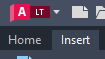
Press the red “A” to navigate to the options of AutoCAD.
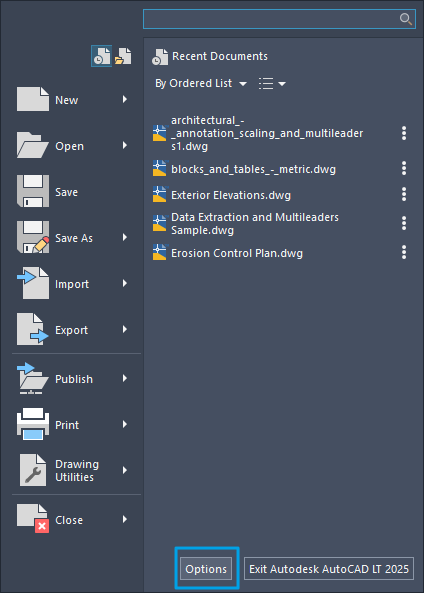
Choose Options
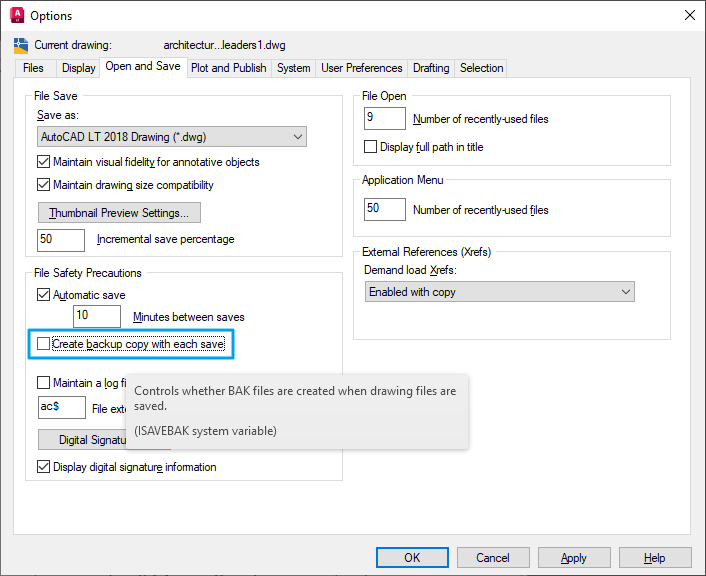
Disable the option “Create backup copy with each save”.
Shareflex integration with AutoCAD
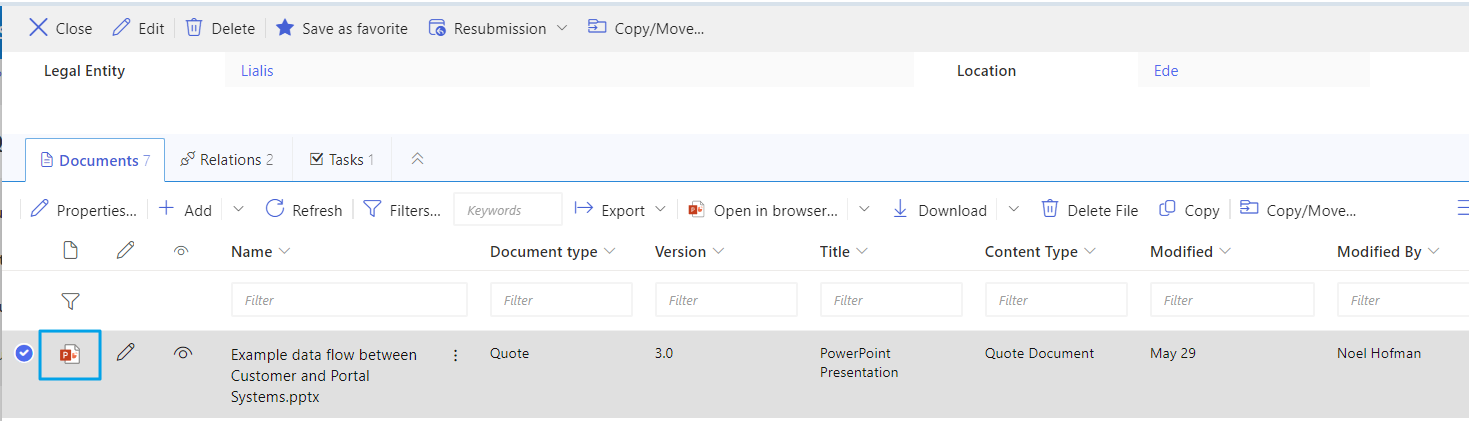
The image below shows the documents attached to a Quote record in Shareflex DMS. A PowerPoint file has been selected, so naturally, there is no AutoCAD button displayed.
A DWG file has been selected, and the AutoCAD button appears in the ribbon as well as under the context menu (right-click). Please note the drawing preview is displayed in the right pane.
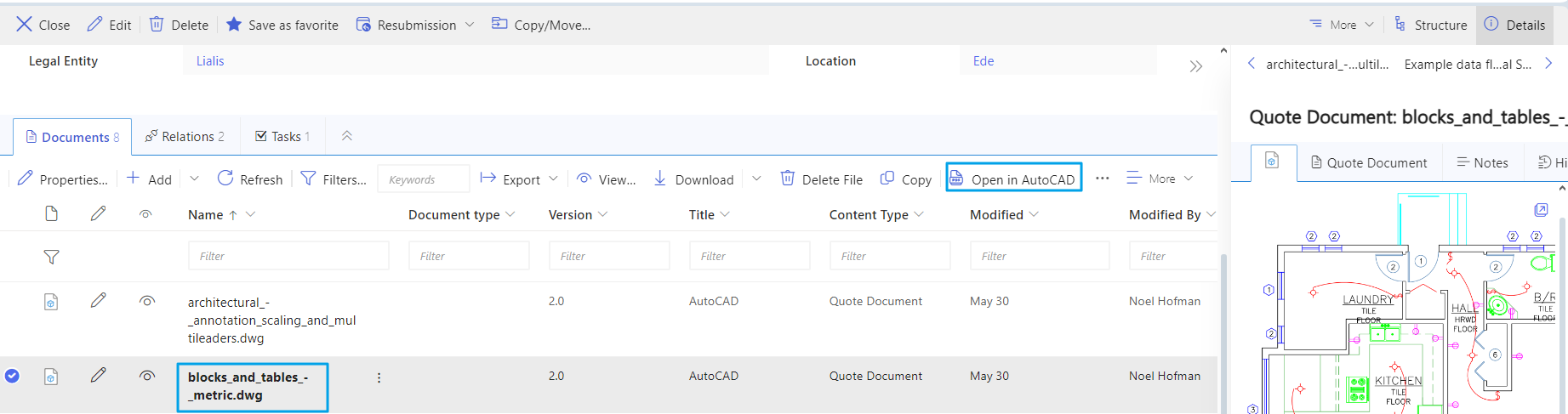
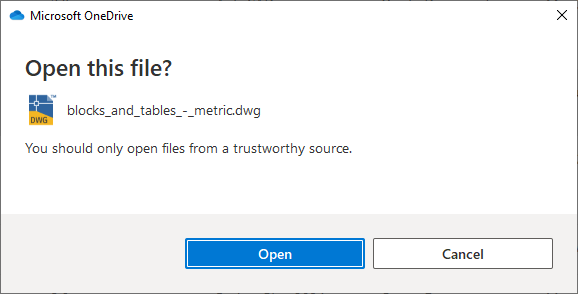
The AutoCAD integration has been activated by pressing the button, and we receive this message box.

The DWG file has been saved to OneDrive for temporary storage.
The DWG file has been marked as Checked Out in the files interface of Shareflex DMS.

The DWG is opened in AutoCAD.
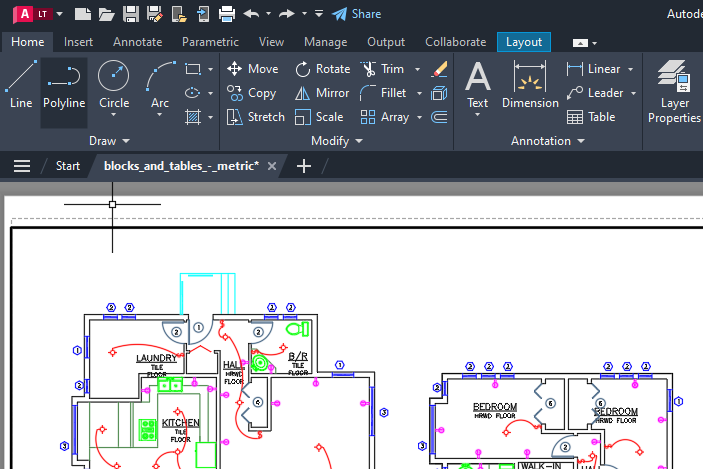
For the demo, I drew some lines in the top right corner. Obviously, AutoCAD can do a lot more.
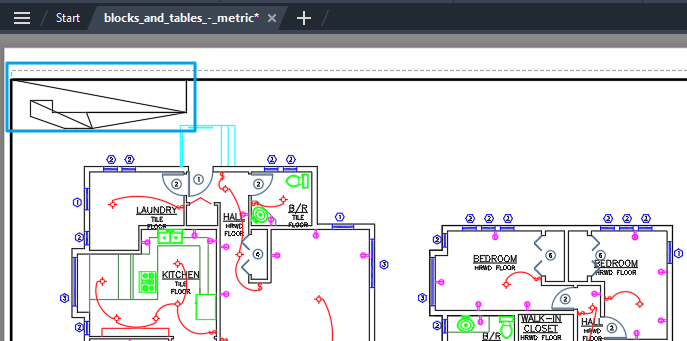
The next step is easy: I simply close AutoCAD by pressing the X in the top right corner. I choose “Yes” when asked to save changes.
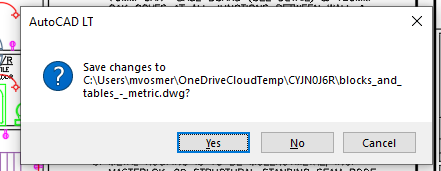
The modifications to the DWG are now stored in the Shareflex DMS solution.
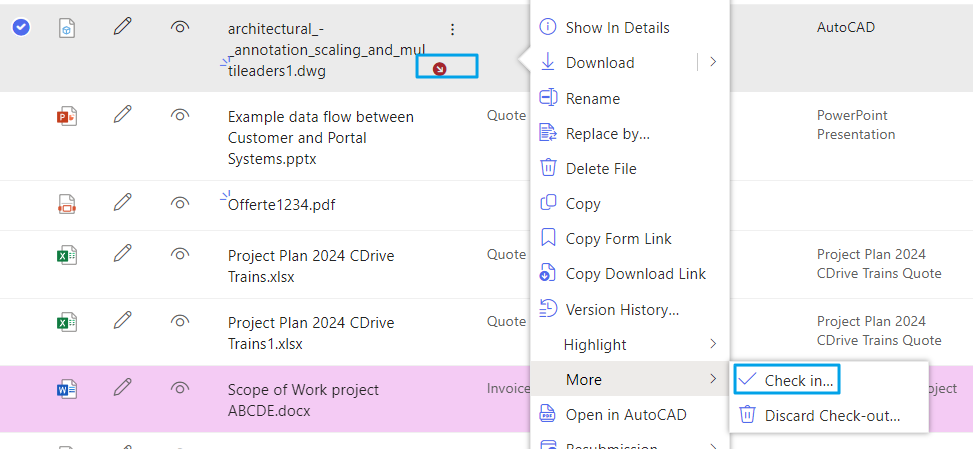
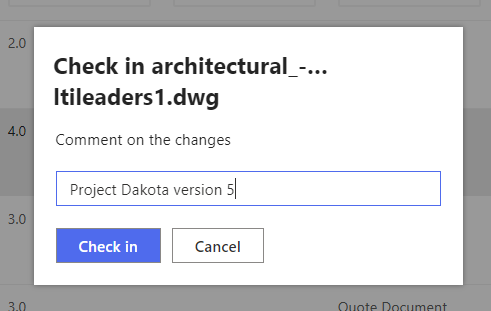
The DWG file remains checked out. The user has to manually check in the file via the Shareflex context menu, as illustrated below.
Concluding
The AutoCAD integration with PDF documents stored in the Shareflex DMS solution is seamless. There’s no need to download files to the user’s computer, open them in AutoCAD, and then upload the modified PDF back into Shareflex.
Lialis developed the AutoCAD integration for Shareflex.
